If you manage more than a handful of properties, you don’t need to translate each guidebook one by one. From the Properties page you can pick any number of properties, choose your languages once and translate them all in a single order, with volume discounts applied automatically.
Step by step
- Go to Properties.
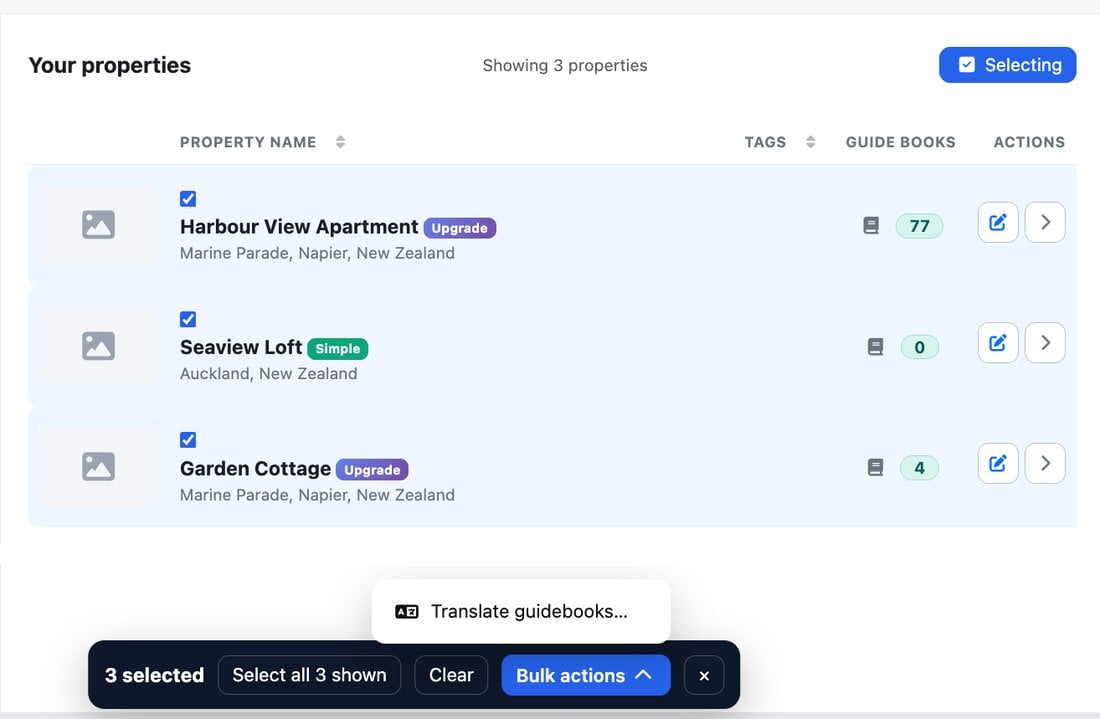
- Click Select above your property list (or Translate guidebooks in the Actions card on the right). A tick box appears on every property.
- Choose the properties:
- tick them one by one, or click a row to tick it;
- Select all shown ticks every property that matches your current search or tag filter, across all pages;
- Select by tag ticks every property with that tag, for example all your properties in one city or one building.
- In the bar at the bottom of the screen, click Bulk actions → Translate guidebooks….
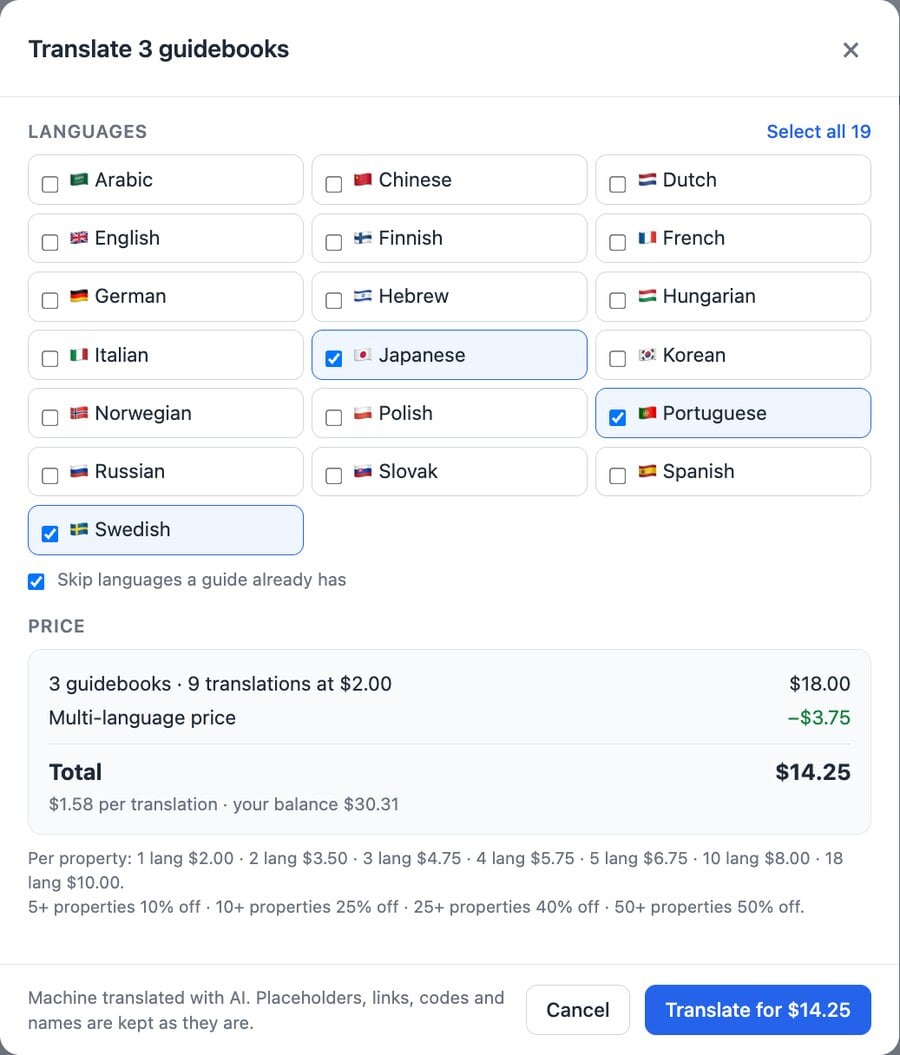
- Tick the languages you want. Leave Skip languages a guide already has on so you only pay for languages that are new to each guide.
- Check the price. It shows how many guidebooks and translations are in the order, the multi-language saving, any volume discount and the total. Properties that can’t be included (for example ones with no guidebook yet) are listed under not included.
- Click Translate for $….
What it costs
Each guidebook is priced by how many languages it gets: $2.00 for one language, $3.50 for two, $4.75 for three, $5.75 for four, $6.75 for five, then 25c for each extra language, up to $11.50 for all 24. Then the volume discount applies to the whole order:
| Properties in the order | Discount |
|---|---|
| 1 to 4 | none |
| 5 to 9 | 10% off |
| 10 to 24 | 25% off |
| 25 to 49 | 40% off |
| 50 or more | 50% off |
A guide never costs less than $1 for its first language plus 25c for each extra language. Some examples:
- 1 property into 1 language: $2.00
- 10 properties into 3 languages: $35.63 ($1.19 a translation)
- 70 properties into 1 language: $70.00 ($1 a guide)
- 70 properties into all 24 languages: $472.50
You’re charged once, from your account balance, when you place the order. If a translation can’t be completed, its share is refunded to your balance automatically.
While it runs
You can close the window straight away. Translating carries on in the background on our servers even if you leave the page or log out, and each guide switches over to its new language as soon as it’s ready. A typical guide takes 20 to 30 seconds per language and several run at once, so most orders finish within minutes.
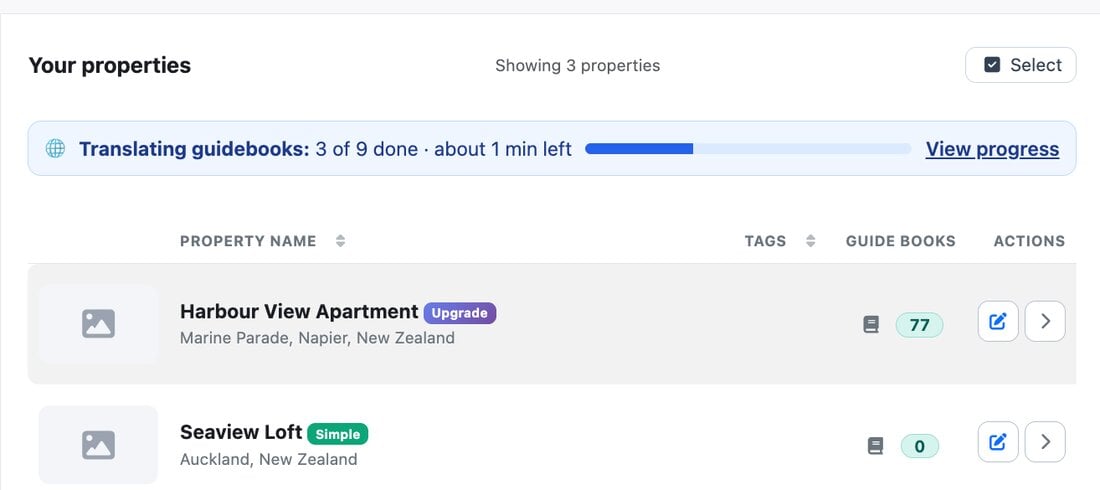
While an order is running, a progress bar shows above your property list. Click View progress to reopen the order. When it’s done the bar turns green and shows how many translations finished.
Tip: tag your properties first
If only some of your properties need a language (for example Slovak for your Slovak properties), tag them first under Tags / Grouping, then use Select by tag. It’s the quickest way to pick the right group every time.