Digital Guidebooks for OwnerRez
Enhance Your Elite Property Management System with Smart Digital Guestbooks
INTEGRATION

Enhance Your Elite Property Management System with Smart Digital Guestbooks
Experience the difference of “Elite.” OwnerRez is internationally recognized as a leader in the vacation rental industry for channel management, CRM, PM, accounting, messaging, and websites. Integrate with all major vacation rental channels to seamlessly sync availability, rates, rules, and listing content. Get your own modern fast website, process payments directly, manage inquiries, communication, and guest checkout with e-sign renter agreements.
By integrating BetterSTR with OwnerRez, you can:

Link your OwnerRez account to BetterSTR with our secure API integration. Your properties and reservations sync automatically.
Create beautiful digital guides for each property with check-in instructions, house rules, local recommendations, and more.
Guests receive personalized digital guestbooks automatically, reducing questions and improving their experience.
Watch how to set up dynamic guide content with OwnerRez custom fields
Create property-level custom fields in OwnerRez and use PX shortcodes to display dynamic content across hundreds of guides.
Read the GuideCreate booking-level custom fields in OwnerRez and use BX shortcodes to show reservation-specific content in each guest’s guide.
Read the GuideProperties, reservations, and guest details sync automatically from OwnerRez to BetterSTR.
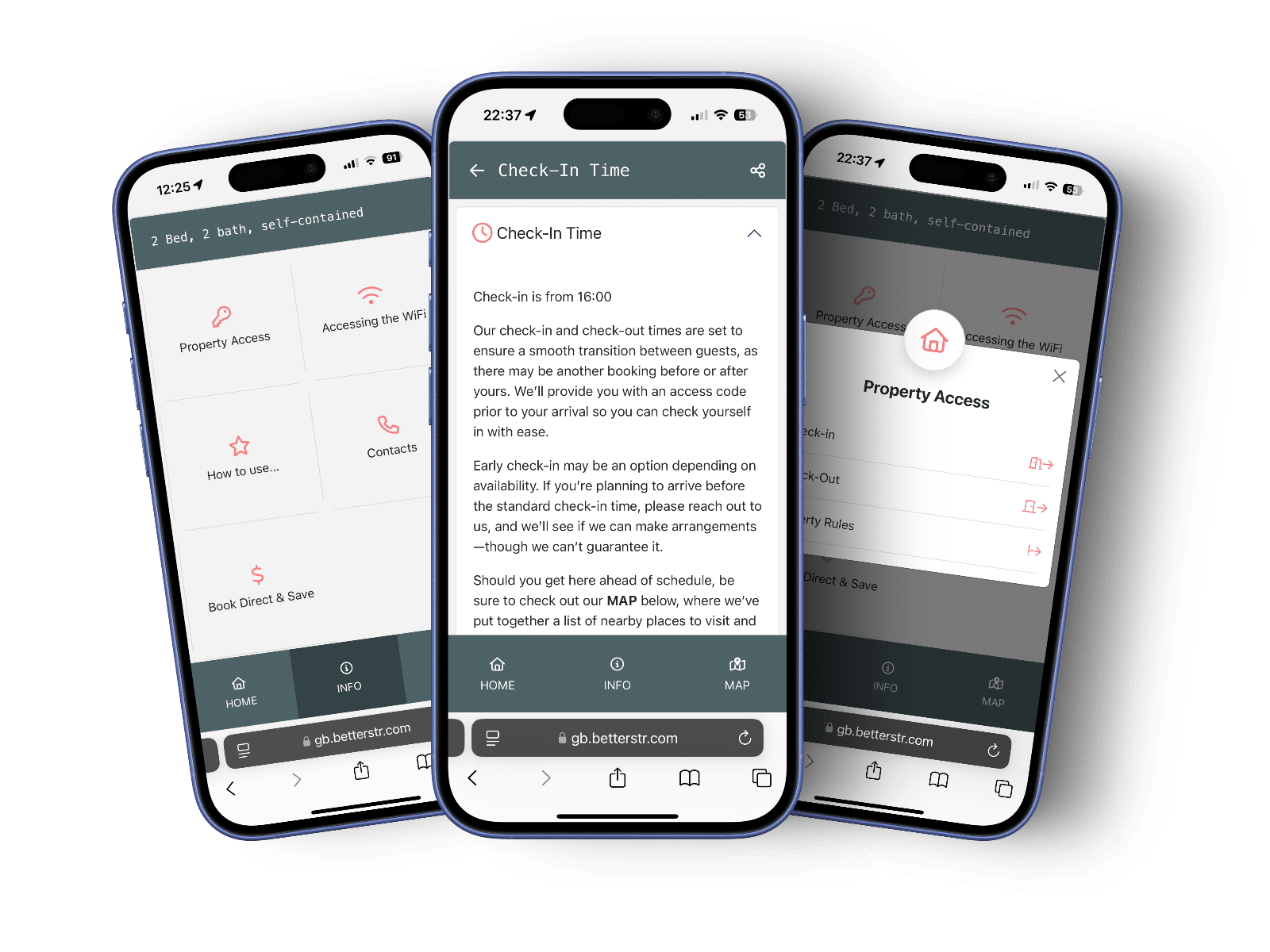
Beautiful guestbooks that look perfect on any device. No app downloads required.
Add restaurants, activities, and attractions. Earn commissions through Viator integration.
Each guest gets a unique, time-limited link. Your property details stay protected.
Print QR codes linking to specific guide sections. Perfect for TV remotes, appliances, and amenities.
Embed weather forecasts, welcome videos, and interactive content to enhance the guest experience.
Reduce repetitive guest questions by 70%. Spend less time answering emails and more time growing your business.
Well-informed guests leave better reviews. Our users report a 15% increase in 5-star ratings.
Earn commissions on local activities and reduce damage claims with clear house rules and instructions.
Automatic translations help you serve international guests without language barriers.
"Rolling BetterSTR out across our portfolio was straightforward, and our guests love the digital guidebooks — we've seen a real drop in check-in questions."
Jade, Ready Set Stay"BetterSTR perfectly complements our OwnerRez setup. The automatic sync saves us hours of work every week."
Mountain Retreats LLC"The multi-language feature is a game-changer for our international guests. This integration is a must-have for any serious property manager."
Coastal Properties GroupDetailed articles to help you connect and configure your OwnerRez integration
Join thousands of property managers who are delighting guests with BetterSTR digital guestbooks.
Optional text message costs apply
Setup Time
Fewer Guest Questions
Guest Access
No credit card required • Cancel anytime
Yes. The BetterSTR digital guidebook is free forever with unlimited properties and guidebooks. The OwnerRez integration is included at no extra cost — you only pay for optional add-ons like SMS, WiFi marketing or a custom domain.
In BetterSTR, open the Integrations page, choose OwnerRez and connect your account. Your properties and reservations then sync automatically. See our step-by-step guide.
Your properties and upcoming reservations sync automatically, so every booking gets its own personalised guidebook with the guest's name and check-in / check-out times. You can also sync historical reservations to use BetterSTR's SMS marketing.
No — BetterSTR complements OwnerRez. OwnerRez handles your bookings and operations; BetterSTR delivers the guest-facing digital guidebook, WiFi marketing and in-room experience on top.