Facebook Tracking Pixel

Breezeway Digital Guidebook Integration

Your PMS is not on our list but you use Breezeway? Connect Breezeway and every home gets its own guest guide and TV welcome, filled in from the homes and bookings Breezeway syncs from your PMS, guest door codes included.

BetterSTR
INTEGRATION
Breezeway

New: in beta

Your PMS bookings, through Breezeway, turned into guest guides

Breezeway is a property operations platform for cleaning, inspections and maintenance. It is not a PMS: it copies your homes and reservations from your PMS, and it works with more than 40 of them, including Track, Escapia and Barefoot. So if we don't connect to your PMS directly but you use Breezeway, BetterSTR can pick your homes and bookings up from Breezeway instead.

Each stay then gets a personalised guidebook, a welcome by name on the home's TV and a WiFi QR code that works first time. There is nothing to install. You ask Breezeway for API keys, paste the client ID and client secret into BetterSTR, and your homes come across.

Like every BetterSTR integration, it is part of the free plan. The Breezeway connection is new, so it is marked beta while the first hosts use it.

Create a free account Already a member? Connect Breezeway
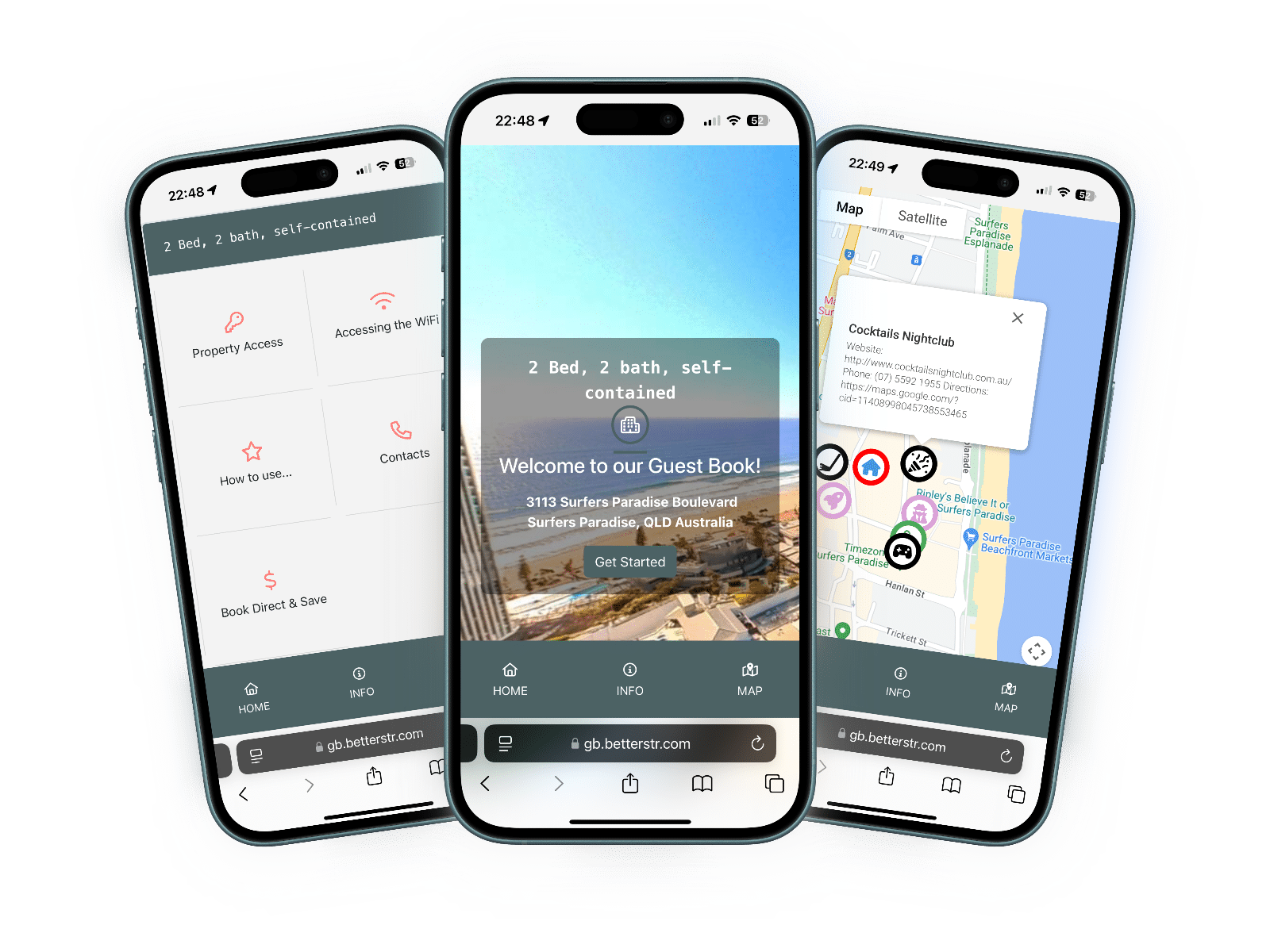
BetterSTR guest guidebook on three phones

What syncs from Breezeway

Here is exactly what BetterSTR reads from Breezeway. It only reads: nothing is changed in your Breezeway account. Breezeway gets this from your PMS, so it is only as complete as what your PMS shares with Breezeway.

ItemSynced?Details
Homes Yes Each active home in Breezeway becomes its own BetterSTR property, switched on and ready for a guide and TV. Homes that are inactive in Breezeway are not added, and a home that becomes inactive is switched off here, never deleted.
Name and address Yes The home's name and full address, with its map location. If Breezeway has no map pin, BetterSTR finds it from the address once. The address sets the map, weather and nearby places in your guides.
Photos Yes The home's photos, with Breezeway's default photo first. If a home has no photos in Breezeway, the photo you add in BetterSTR is kept.
Home notes Yes The About and General notes become the description, Guest Access and Directions become your guest access details, and Trash Info goes into the house rules.
WiFi name and password Partial Read from the home's WiFi note when it is written as a network and a password (for example "Network: Beach House / Password: sunny123"). Any other WiFi note is added to the guest access details instead.
Staff access notes No Breezeway's staff access note and the home's own access code are for your cleaning and maintenance team, so BetterSTR never shows them to guests.
Reservations Yes Every guest booking with its dates, number of guests, guest notes and your PMS's own confirmation number. Owner stays come through marked as owner stays. Holds and lock-offs are skipped. Cancelled bookings, including ones removed from Breezeway, come through as cancelled.
Guest door code Yes The guest access code on each reservation, so every guest gets their own code.
Guest name, phone and email Partial From the booking's main guest, but only when your PMS shares them with Breezeway.
Check-in and check-out Partial The booking's own check-in and check-out times when Breezeway has them, otherwise 3pm and 11am.
Booking channel Partial Breezeway doesn't say where a booking came from. BetterSTR works it out from the booking's tags (Airbnb, Vrbo, Booking.com, Expedia or direct) or an Airbnb confirmation code, when there is one.
Timezone Partial Breezeway has no timezone field, so BetterSTR works it out from each home's country and state.
Prices and currency No Breezeway doesn't share booking prices.
Breezeway shortcodes No There are no Breezeway-only shortcodes. The standard BetterSTR guest and booking shortcodes work as usual.
Guide link (written back) No BetterSTR doesn't write anything to Breezeway, because Breezeway's own sync from your PMS would overwrite it. BetterSTR sends the guide link to the guest by email or SMS with your notification rules.

How the connection works

  1. Ask Breezeway for API keys. The Breezeway account holder fills in Breezeway's API key request form.
  2. Breezeway emails you a client ID and a client secret. These keys only let BetterSTR read your homes and reservations. They aren't your Breezeway password.
  3. Paste them into BetterSTR. Under Integrations, choose Breezeway and paste the client ID and client secret. BetterSTR checks them with Breezeway straight away, before saving anything.
  4. Your homes and bookings come across. BetterSTR imports your active homes and your current and upcoming reservations. Switch off any home you don't need a guide for.

How quickly changes arrive

BetterSTR checks Breezeway for new, changed and cancelled reservations every 10 minutes, does a full check of upcoming bookings about once an hour, and re-reads your homes once a day. You don't need to set anything up for that. Breezeway gets its data from your PMS, so a change shows up after your PMS has passed it to Breezeway.

If you need something now, the Breezeway page in BetterSTR has Sync Properties and Sync Reservations buttons, and Sync History pulls in the last three years.

Good to know before you connect

  • It's in beta. The Breezeway connection is new. If something looks wrong, email support@betterstr.com and we'll look at your account with you.
  • The account holder requests the keys. Breezeway sends API keys to the account holder who fills in their request form.
  • Data comes from your PMS. Guest emails and phone numbers, and changes to bookings, only reach BetterSTR once your PMS has shared them with Breezeway.
  • One integration per account. A BetterSTR account connects to one PMS or channel manager at a time, so connect Breezeway instead of, not as well as, another integration.
  • Staff notes stay private. Cleaner access notes and the home's staff access code are never shown to guests.
  • Disconnecting removes our access. BetterSTR deletes your Breezeway keys when you disconnect.

Breezeway integration questions

My PMS isn't supported by BetterSTR. Can I still connect?

Yes, if you use Breezeway. Breezeway copies your homes and reservations from your PMS (it works with more than 40, including Track, Escapia and Barefoot), and BetterSTR reads them from Breezeway.

Where do I get my Breezeway client ID and client secret?

The Breezeway account holder requests them with Breezeway's API key request form, linked on the Breezeway page in BetterSTR. Breezeway sends a client ID and a client secret, which you paste into BetterSTR.

Do I need a paid plan?

No. There is nothing to install, and on the BetterSTR side the integration is part of the free plan.

Do guests get their door code?

Yes. The guest access code on each Breezeway reservation comes through with the booking. Staff access notes and the home's own access code are never shown to guests.

How do guests get their guide link?

By email or SMS with your BetterSTR notification rules. BetterSTR doesn't write anything back to Breezeway.

A booking change isn't showing. What should I do?

BetterSTR checks Breezeway every 10 minutes, so most changes appear within that time once your PMS has passed them to Breezeway. To pull it in straight away, open the Breezeway page in BetterSTR and click Sync Reservations.

Read more

Connect Breezeway in a few minutes

Your Breezeway client ID and secret, and your next guest has a guide.

Start free See the TV welcome screen

No credit card required. Visit breezeway.io