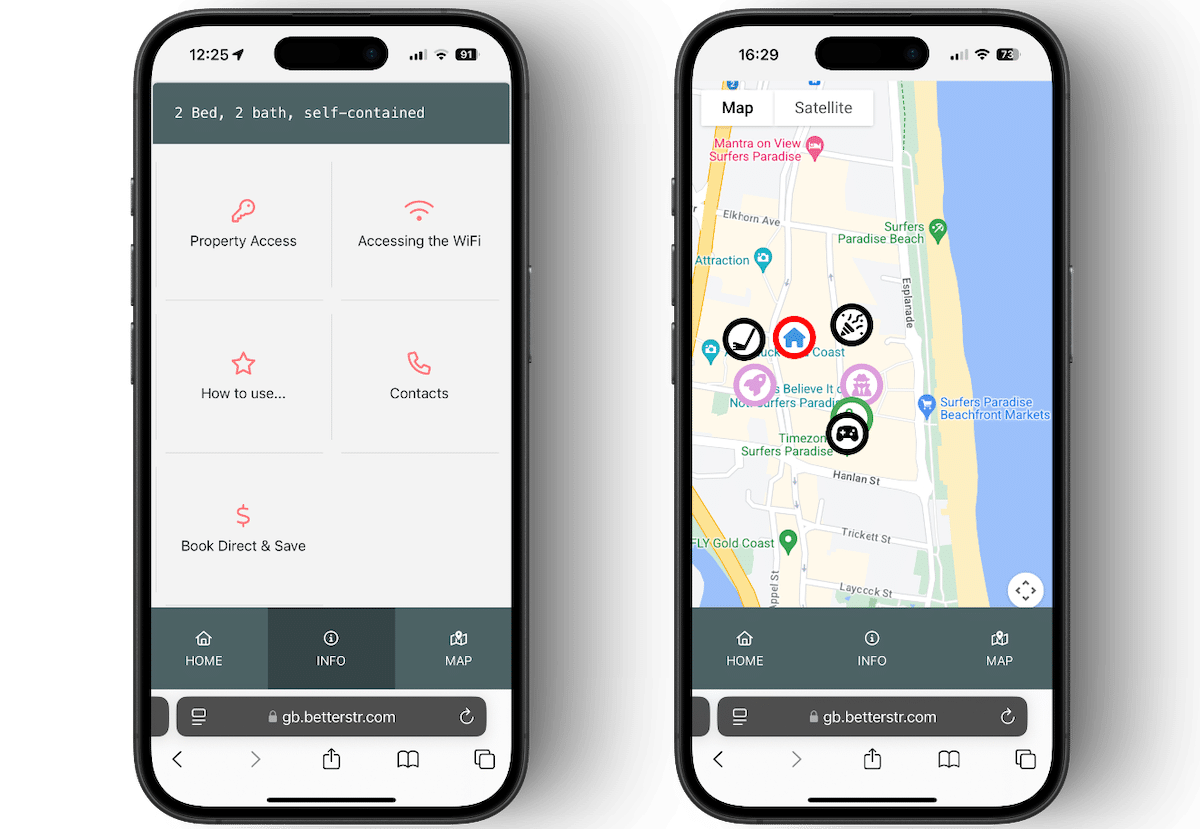
BetterSTR Tutorial Videos
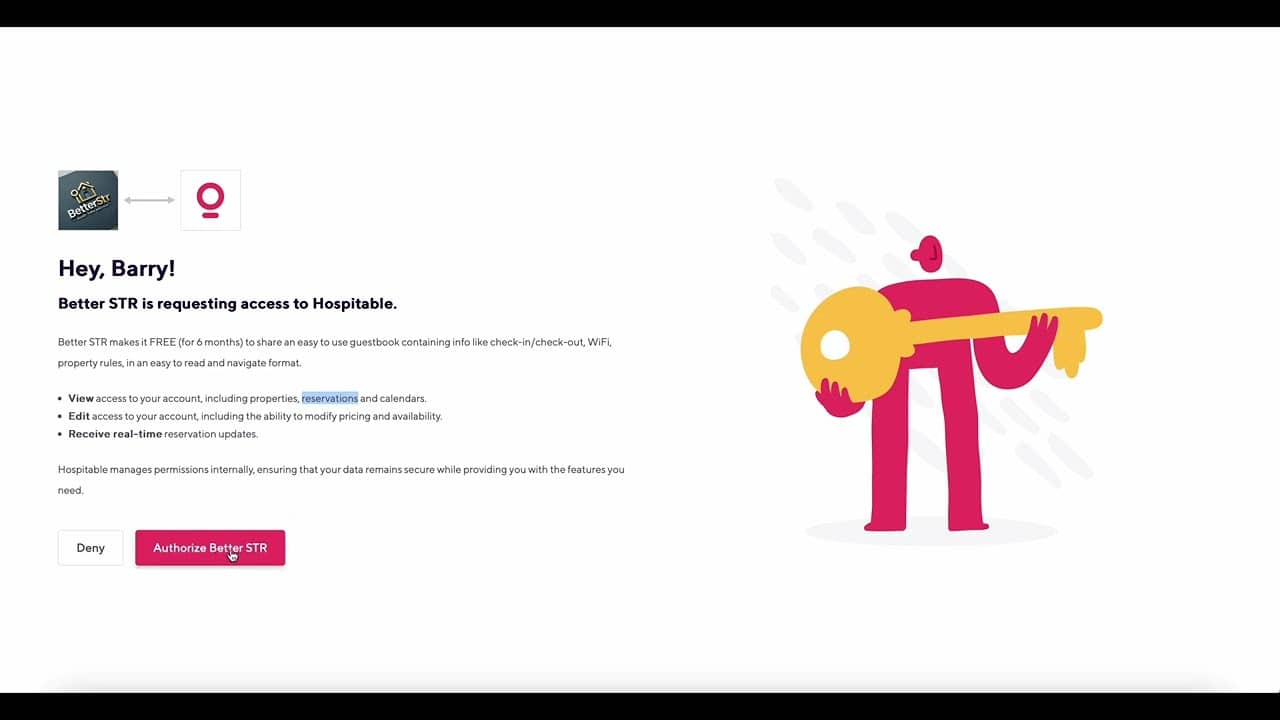
Connect Your Properties in 4 Clicks
Learn how to connect your properties to BetterSTR's digital guidebook in just four clicks. This quick tutorial will show you how to link your existing PMS (Property Management System) with BetterSTR to automatically synchronize property details and reservations.
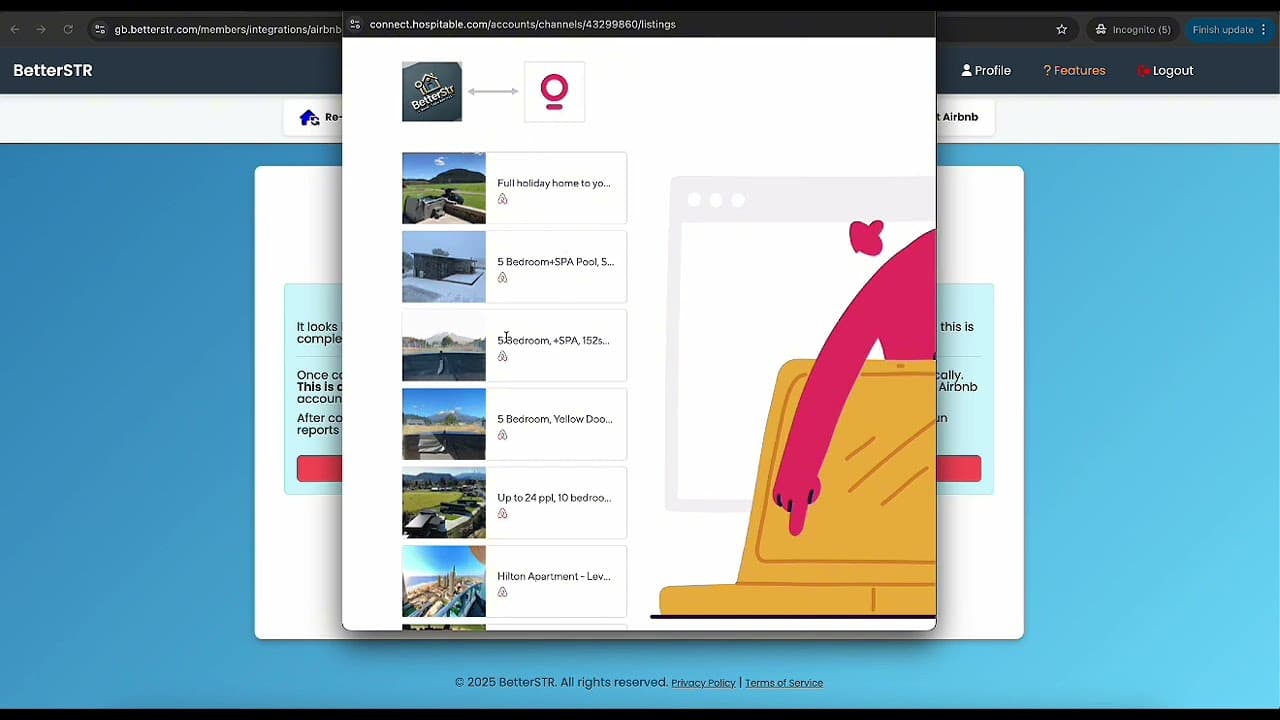
Syncing Airbnb Listings
Learn how to synchronize your Airbnb listings with BetterSTR's digital guidebook. This tutorial shows you how to import your existing Airbnb property details, photos, and amenities to create beautiful digital guidebooks for your guests.
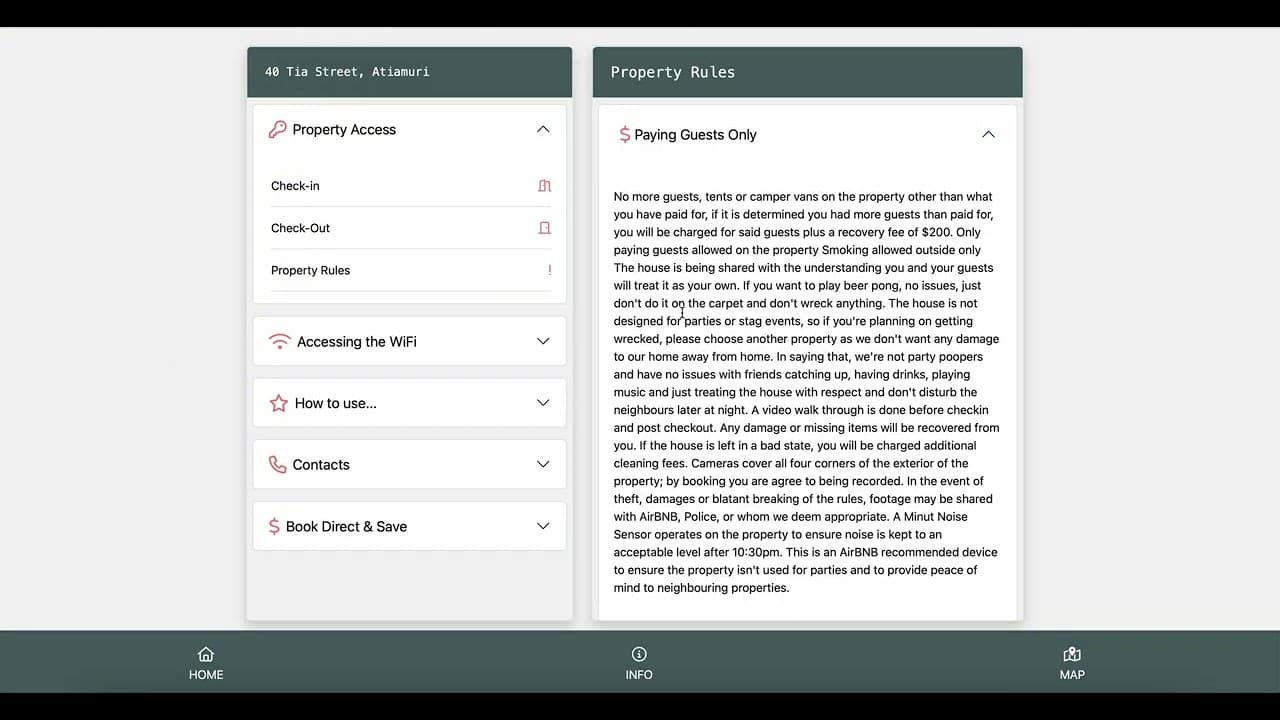
Guidebook Creation in 5 Minutes
Step-by-step tutorial on creating a complete guidebook in just five minutes. Learn how to add sections for house rules, check-in instructions, local recommendations, and more to enhance your guest experience.
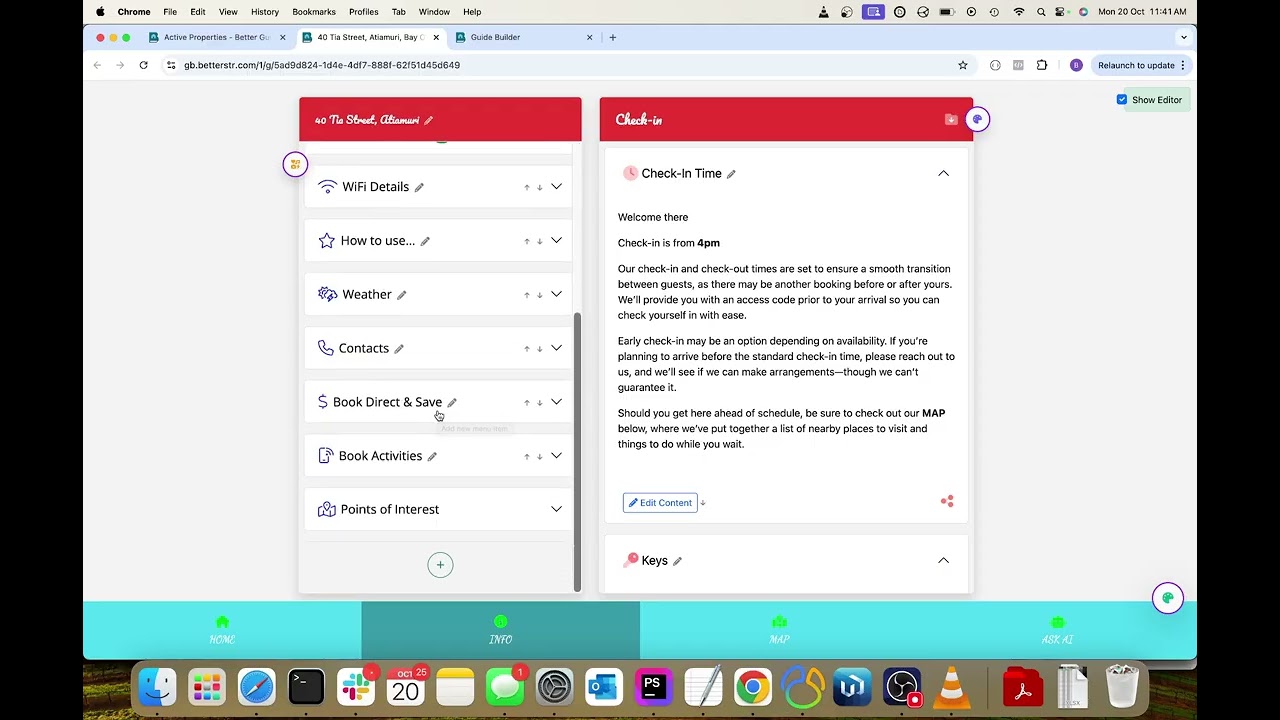
Styling and Editing Your Guide Fonts and Icons with Live Preview
Learn how to customise your guide's appearance with fonts, icons, and colours using the live preview feature. This tutorial shows you how to create a polished, branded experience that matches your property's style.
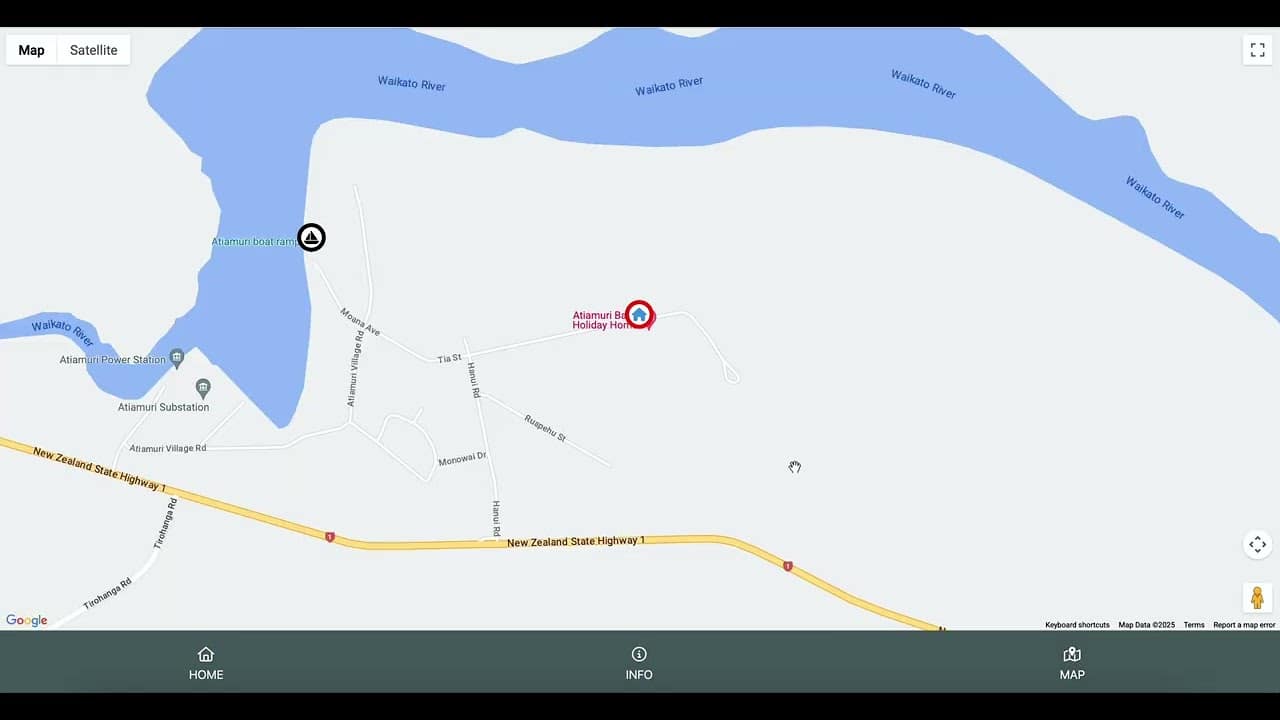
Adding Points of Interest to the Map
A detailed guide on how to add Points of Interest (POIs) to your digital guidebook. Learn how to mark restaurants, attractions, shopping areas, and other useful locations to help your guests explore the neighbourhood.
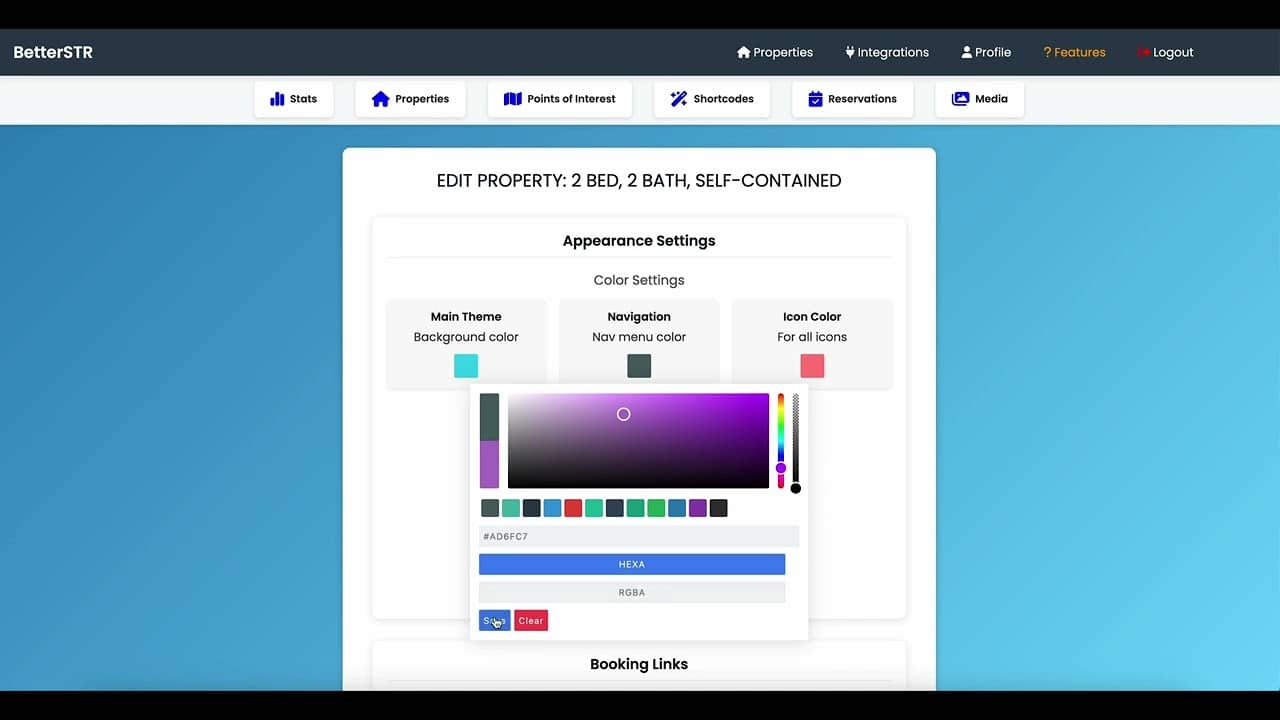
Customise the Colour and Icon Theme
Full customisation of your guidebook theme, from Header and Navigation colours, to icon colours. Learn how to match your guidebook to your brand or property style for a cohesive guest experience.
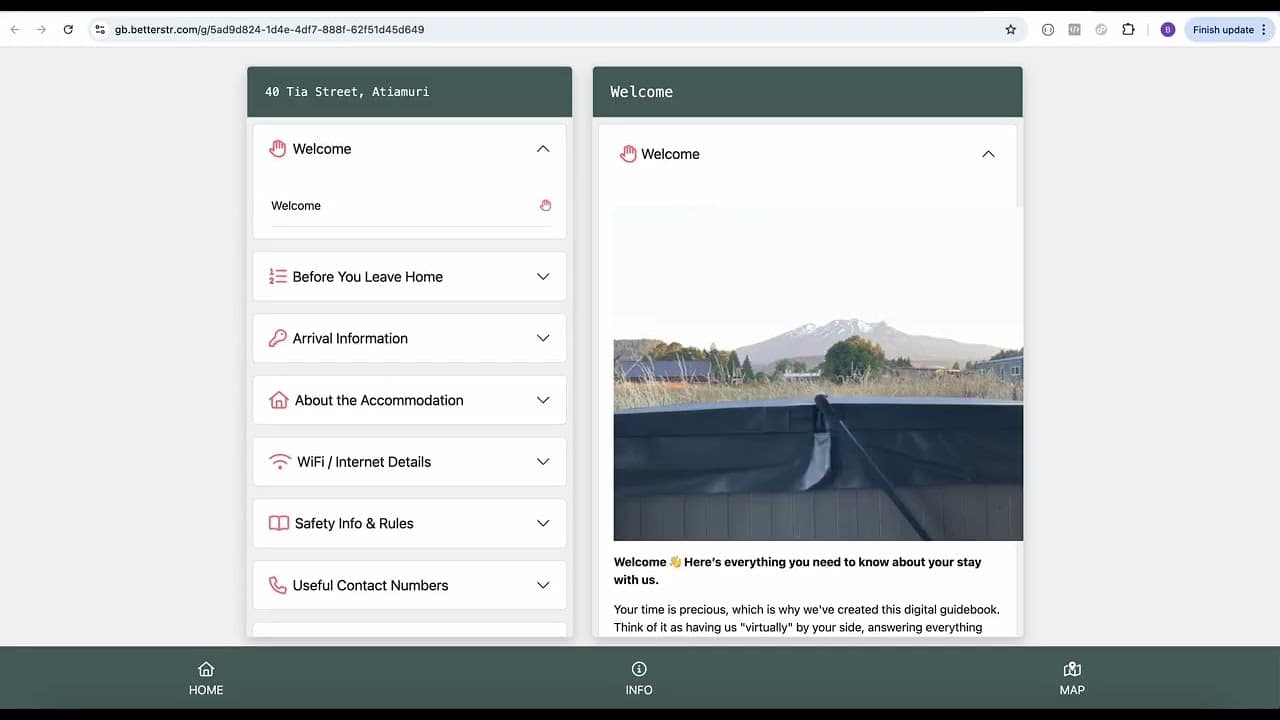
Importing a TouchStay Guide
If you have an existing guidebook with TouchStay, you can now import all the content. This tutorial walks you through the simple process of migrating your content to the BetterSTR platform without starting from scratch.
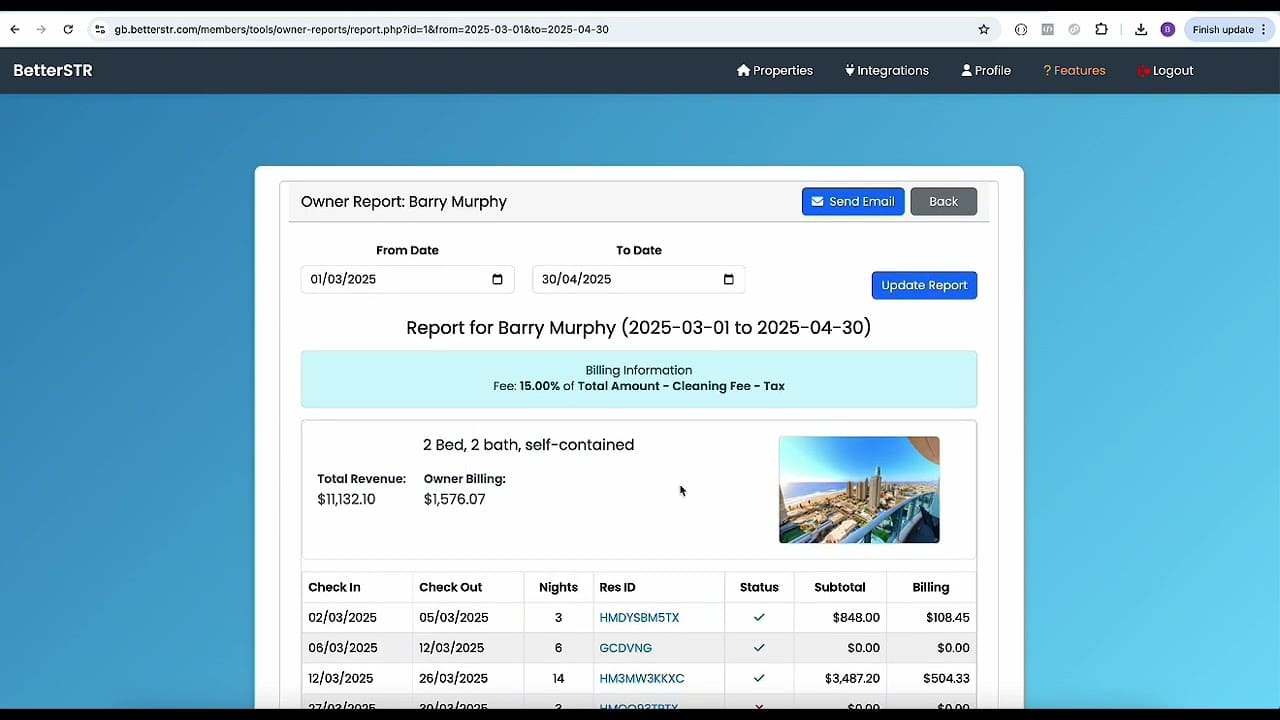
Owner Reports (Billing Owners)
BetterSTR provides an easy-to-configure owner reports management system. It's entry-level but free, a good fit for hosts with 2 to 15 properties before upgrading to a commercial solution. Built and used by Superhosts on their own rentals.
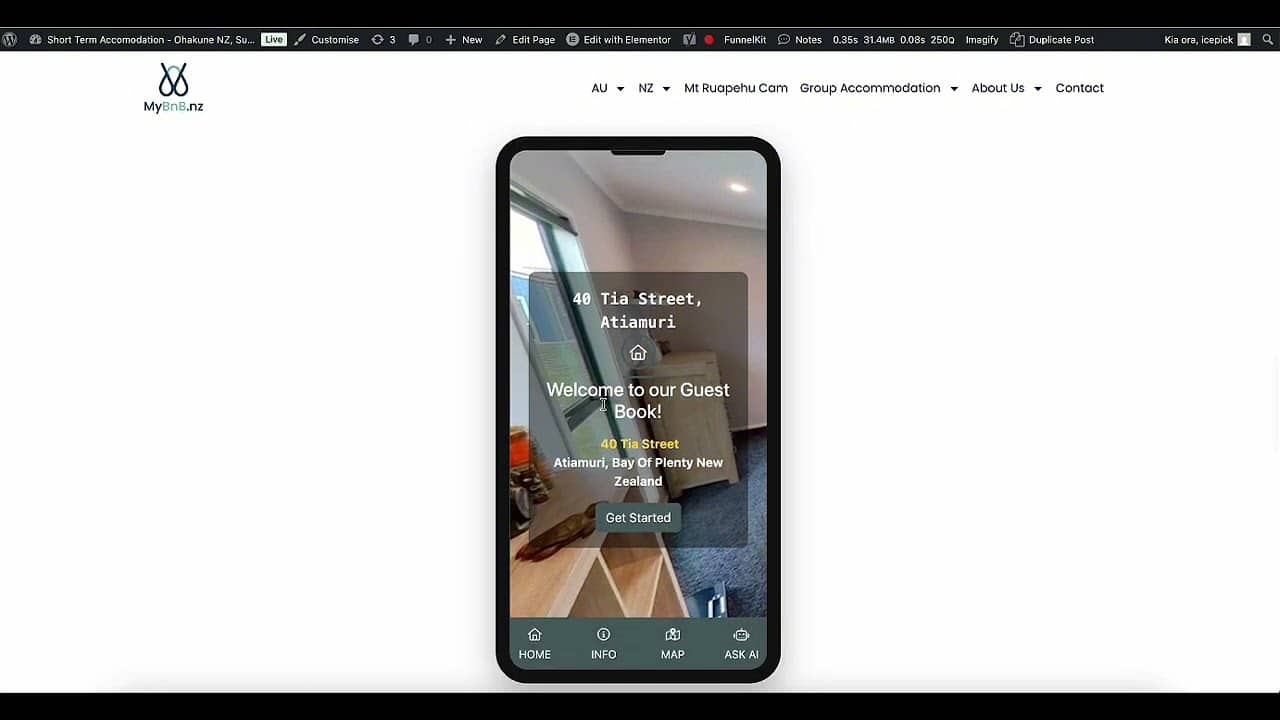
Adding Website Widgets
Learn how to enhance your property website with responsive widgets for weather, activities, and your digital guidebook. These widgets provide a professional touch to your website and improve the guest experience.
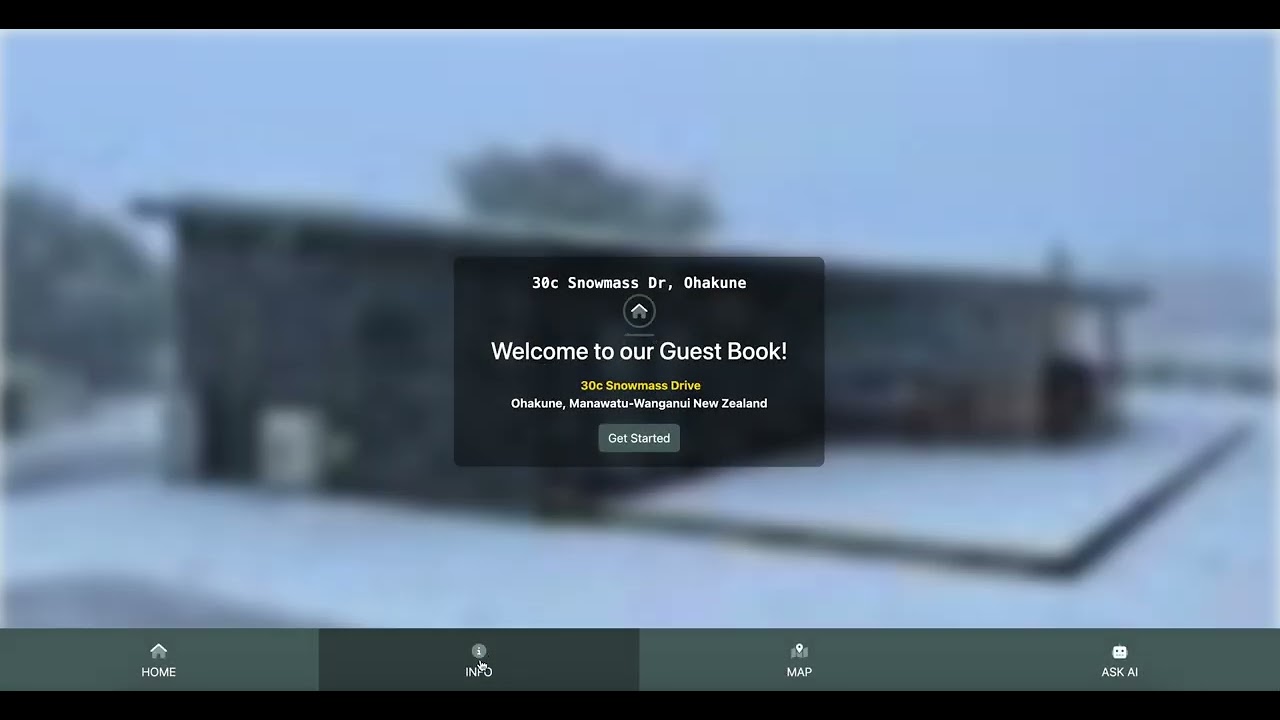
Shortcode Property Variants: Advanced Content Customisation
Learn how to create property-specific shortcode variants for customised content across different properties. Perfect for contact information, check-in instructions, and location-specific details that differ between your properties.
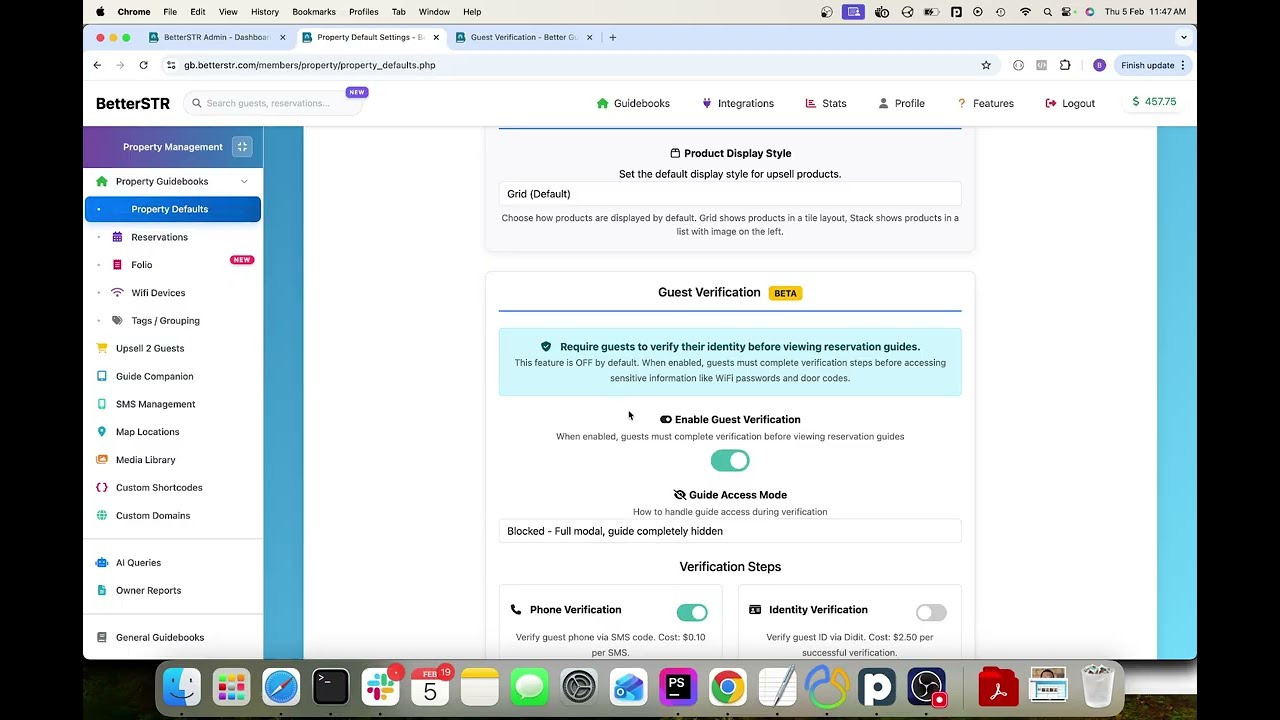
Guest Verification - Phone, Identity & Security Deposits
Learn how to verify your vacation rental guests before arrival. This tutorial covers phone verification, ID verification with selfie matching, terms acceptance, and collecting security deposits - all to protect your property and meet HOA/legal requirements.
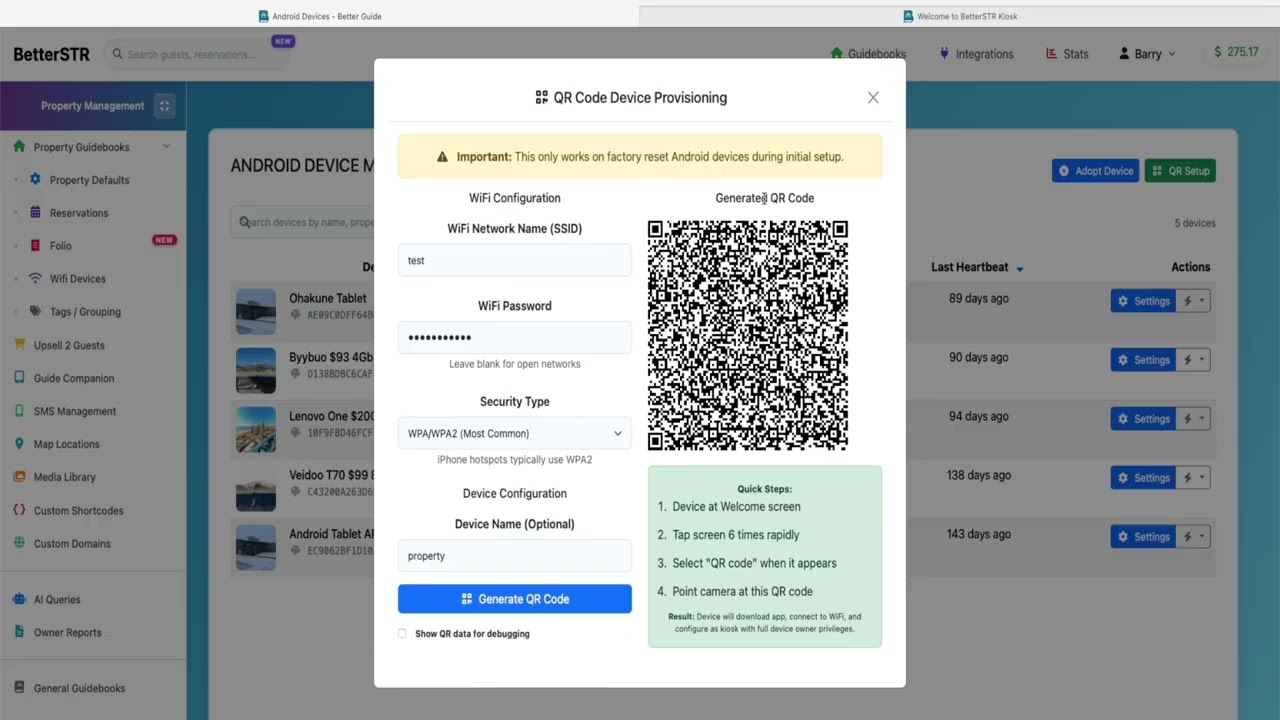
QR Code Provisioning Your Android Guidebook Companion
Learn how to provision your BetterSTR Companion Android tablet using QR code setup. This quick tutorial shows the 60-second process to configure WiFi, property details, guidebook access, and all settings. Handy for property managers, cleaners or remote setup.