SuperHote Digital Guidebook Integration
Connect your SuperHote account and every rental gets its own guest guide and TV welcome, filled in from your Airbnb, Booking.com, Abritel and direct bookings.

INTEGRATION

Connect your SuperHote account and every rental gets its own guest guide and TV welcome, filled in from your Airbnb, Booking.com, Abritel and direct bookings.
New: in beta
SuperHote is the French PMS and channel manager used by hosts and conciergeries to run their Airbnb, Booking.com and Abritel rentals and direct bookings from one place. BetterSTR reads your rentals and bookings and gives each stay a personalised guidebook, a welcome by name on the TV and a WiFi QR code that works first time.
There is nothing to install. You create an API key in SuperHote, paste it into BetterSTR, and your rentals come across.
Like every BetterSTR integration, it is part of the free plan. The SuperHote connection is new, so it is marked beta while the first hosts use it.
Create a free account Already a member? Connect SuperHote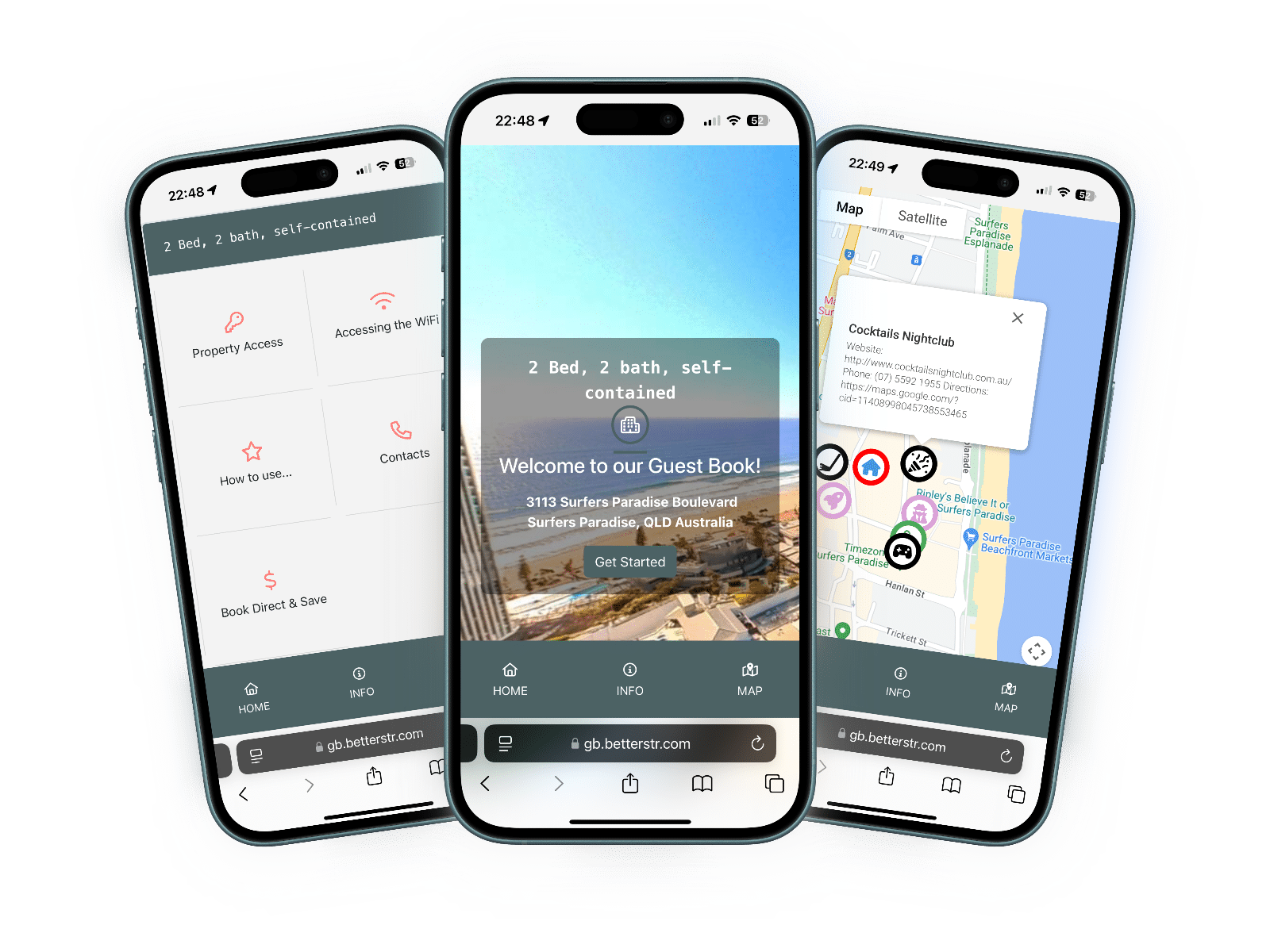
Here is exactly what BetterSTR reads from your SuperHote account. It never changes your rentals or bookings. The only thing it can send is a guest message, if you set one up (the last row).
| Item | Synced? | Details |
|---|---|---|
| Rentals | Yes | Each SuperHote rental becomes its own BetterSTR property, with its name, address, map location, capacity and bathrooms. A rental that is switched off in SuperHote, or a parent lot that groups other rentals, starts switched off. Rentals are re-read once a day, and one removed from SuperHote is switched off, not deleted. |
| Check-in and check-out | Yes | Each booking's check-in and check-out times from SuperHote, or the rental's times when a booking has none. If neither has a time, BetterSTR uses 4pm and 11am. |
| Timezone and currency | Yes | The rental's timezone and currency from SuperHote. |
| Reservations | Yes | Every booking from Airbnb, Booking.com, Abritel/Vrbo and your direct bookings, with its dates, adults and children, the channel it came from and the price. Requests and pre-approvals come through as pending; cancellations and no-shows as cancelled. Airbnb enquiries that never became a booking aren't imported. |
| Guest name | Yes | The guest's first and last name, for the TV welcome and the guide. |
| Guest email and phone | No | SuperHote doesn't share guests' contact details through its API. Send the guide link as a SuperHote guest message instead (the last row), or share it from SuperHote yourself. |
| Photos, amenities and house rules | No | SuperHote's API doesn't include them. Add them once in BetterSTR; syncs won't overwrite them. |
| Door codes | No | SuperHote doesn't share door codes. Add entry details to your guide once in BetterSTR. |
| WiFi name and password | No | SuperHote doesn't share WiFi details. Enter them once in BetterSTR to power the WiFi QR code. |
| Guide link to the guest | Optional | With a notification rule using SuperHote guest message, BetterSTR sends the guest their guide link through SuperHote: in the Airbnb or Booking.com conversation, or by email for direct bookings. Abritel/Vrbo and calendar (iCal) bookings have no message channel in SuperHote, so share the link yourself for those. |
With Gestion des webhooks ticked on your key, SuperHote tells BetterSTR about new, changed and cancelled bookings within a minute. BetterSTR also checks every 10 minutes, and re-reads your rentals once a day. You don't need to set anything else up.
If you need something now, the SuperHote page in BetterSTR has Sync Properties and Sync Reservations buttons, and Sync History pulls in the last three years.
In SuperHote, open Plateformes et Intégrations, then API, the Clés & accès tab, and click Créer une clé API. Tick Lecture des hébergements and Lecture des réservations, plus Gestion des webhooks and Envoi de messages if you want instant updates and guest messages. Copy the key straight away, because SuperHote shows it only once.
Yes. SuperHote is your channel manager, so bookings from Airbnb, Booking.com, Abritel/Vrbo and your direct bookings in SuperHote all come through to BetterSTR.
No. There is nothing to install, and on the BetterSTR side the integration is part of the free plan.
SuperHote doesn't share guests' email addresses or phone numbers, so add a notification rule using SuperHote guest message. BetterSTR then sends the link through SuperHote, in the Airbnb or Booking.com conversation or by email for direct bookings. For Abritel and calendar bookings, share the link from SuperHote yourself.
With Gestion des webhooks ticked on your key, changes arrive within a minute, and BetterSTR checks every 10 minutes either way. To pull a change in straight away, open the SuperHote page in BetterSTR and click Sync Reservations.
One API key from SuperHote, and your next guest has a guide.
Start free See the TV welcome screenNo credit card required. Visit superhote.com