Sirvoy Digital Guidebook Integration
Add one webhook URL in Sirvoy and every new, changed or cancelled booking reaches your guest guides and room TVs as it happens.

INTEGRATION

Add one webhook URL in Sirvoy and every new, changed or cancelled booking reaches your guest guides and room TVs as it happens.
New: in beta
Sirvoy is the booking system and channel manager many small hotels and B&Bs run on. BetterSTR takes each booking it sends and gives the stay a personalised guidebook, a welcome by name on the room's TV and a WiFi QR code that works first time.
There is nothing to install and no API key to find. You enter your hotel's details in BetterSTR, copy the webhook URL we give you, and add it in Sirvoy under Settings. From then on Sirvoy sends us each booking as soon as it is made, changed, cancelled or restored. Webhooks are part of the Sirvoy Pro plan.
Like every BetterSTR integration, it is part of the free plan. The Sirvoy connection is new, so it is marked beta while the first hosts use it.
Create a free account Already a member? Connect Sirvoy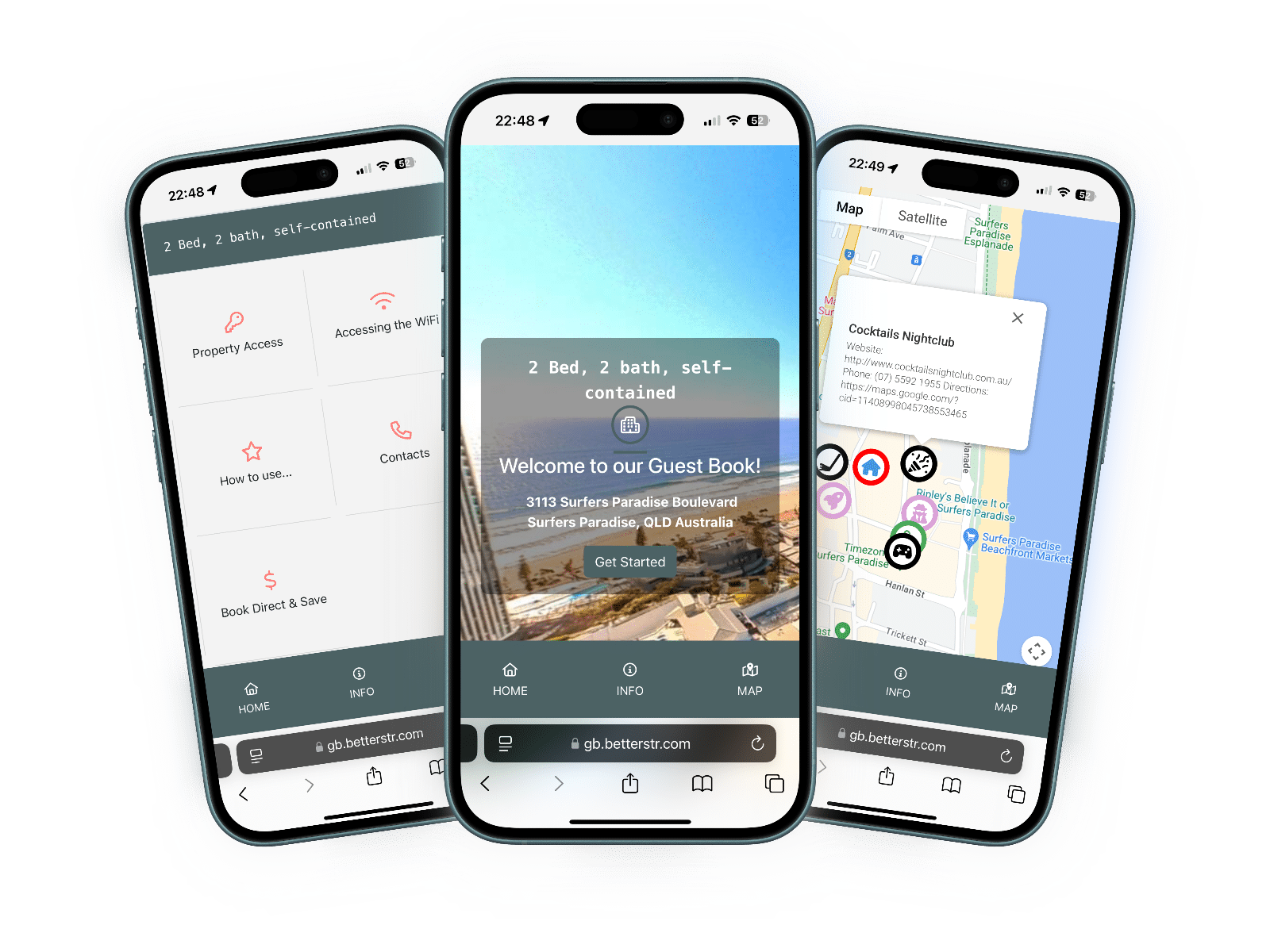
Here is exactly what BetterSTR takes from the bookings Sirvoy sends. It only receives: nothing is changed in Sirvoy.
| Item | Synced? | Details |
|---|---|---|
| Rooms | Yes | Each room becomes its own BetterSTR property the first time a booking names it, so each room's TV welcomes its own guest. New rooms start switched off: turn on the rooms that have a TV or need guides. Room names and room types come from Sirvoy and update when you change them there. |
| Property name and address | Entered once | Sirvoy doesn't send property details, so you enter your hotel or B&B name, address, country and time zone when you connect. Every room uses them, and the address sets the map, weather and nearby places in your guides. |
| Photos | No | Sirvoy doesn't send photos. Add them once in BetterSTR; new bookings won't overwrite them. |
| Check-in and check-out | Partial | Bookings come with their dates, and the guest's expected arrival time when they gave one. Your usual check-in and check-out times are set when you connect (3pm and 11am if you leave them blank) and you can change them any time. |
| Reservations | Yes | New and changed bookings from every channel, with their dates, adults, the source they came from, the total price, surcharges and extras. Cancelled bookings come through as cancelled, and restored ones come back. A booking for several rooms appears on each of its rooms. |
| Guest name, phone and email | Yes | With the guest's country, language and message, when the booking has them. If a room has its own guest name, that room's TV greets that guest. |
| Earlier bookings | No | Sirvoy only sends bookings as they are made or changed. A booking made before you added the webhook arrives the next time it changes in Sirvoy. |
| Door codes | No | Sirvoy doesn't send door codes. Add access details to your guide in BetterSTR. |
| WiFi name and password | No | Sirvoy has no WiFi fields. Enter them once in BetterSTR to power the WiFi QR code. |
| Guide link (written back) | No | The webhook only goes one way, so the link can't be saved on the Sirvoy booking. BetterSTR sends it to the guest by email or SMS with your notification rules. |
Straight away. Sirvoy sends each booking to BetterSTR the moment it is created, changed, cancelled or restored, so there is no sync to wait for and nothing to run by hand.
The Sirvoy page in BetterSTR shows when the last booking arrived and when Sirvoy last checked the URL, so you can see the connection is working.
In Sirvoy, go to Settings > Sirvoy account. Under Booking event webhook, click Add, paste your BetterSTR webhook URL as the Callback URL, name it BetterSTR and click Save. You find the URL on the Sirvoy page in BetterSTR after you enter your hotel details.
Booking event webhooks are part of the Sirvoy Pro plan. On the BetterSTR side the integration is part of the free plan.
Sirvoy only sends bookings when they are created, changed, cancelled or restored, and it has no API for us to fetch older ones. Each earlier booking arrives the next time it changes in Sirvoy.
By email or SMS with your BetterSTR notification rules. The Sirvoy webhook only goes one way, so the link isn't saved on the booking itself.
Each room becomes its own property the first time a booking names it. BetterSTR creates rooms switched off so you choose: turn on the rooms that have a TV or need a guide.
Check the webhook is still listed in Sirvoy under Settings > Sirvoy account > Booking event webhook, with the URL shown on the Sirvoy page in BetterSTR. If it is and the booking still hasn't arrived, email support@betterstr.com.
Your hotel details and one webhook URL, and your next guest has a guide.
Start free See the TV welcome screenNo credit card required. Visit sirvoy.com