Pxsol Digital Guidebook Integration
Connect Pxsol and every hotel and room gets its own guest guide and TV welcome, filled in from your Pxsol reservations, whichever channel they came from.

INTEGRATION

Connect Pxsol and every hotel and room gets its own guest guide and TV welcome, filled in from your Pxsol reservations, whichever channel they came from.
New: in beta
Pxsol is the hotel PMS and booking engine from Argentina, used by hotels, hostels, aparthotels and cabins across Latin America. BetterSTR reads your hotels, rooms and reservations from it and gives each stay a personalised guidebook, a welcome by name on the room's TV and a WiFi QR code that works first time.
There is nothing to install on our side. You create an API key in Pxsol, paste it into BetterSTR, and your hotels come across with their photos, address and check-in times.
Like every BetterSTR integration, it is part of the free plan. The Pxsol connection is new, so it is marked beta while the first hotels use it.
Create a free account Already a member? Connect Pxsol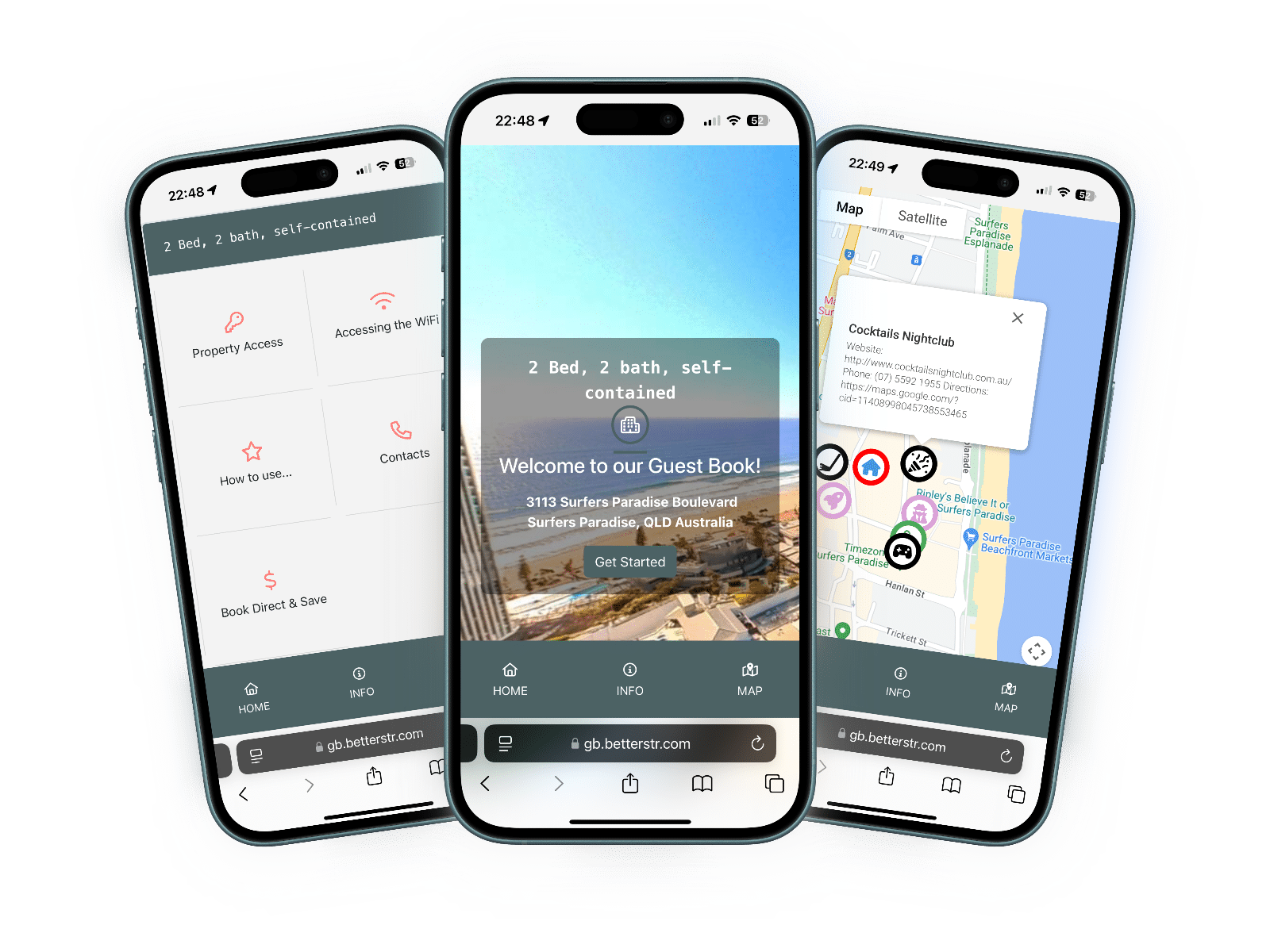
Here is exactly what BetterSTR reads from Pxsol. It only reads, except for one optional line in the reservation memo that you can switch on.
| Item | Synced? | Details |
|---|---|---|
| Hotels | Yes | Every hotel your API key can reach becomes a BetterSTR property, with its name, address, map location, description, amenities and contact details. One key can cover several hotels. |
| Rooms | Partial | Each physical room becomes its own property, so each room's TV welcomes its own guest. If the key may read reports, rooms are listed straight away. Otherwise a room appears once a reservation is assigned to it. New rooms start switched off: turn on the rooms that have a TV or need guides. |
| Photos | Yes | The hotel's cover photo and gallery, and for each room the photos, description, size, beds and maximum guests of its room type. |
| Check-in and check-out | Yes | The times set on your hotel in Pxsol. If none are set, BetterSTR uses 3pm and 11am. When a guest has given an arrival time, it is used for their arrival. |
| Timezone and currency | Yes | Each hotel's own timezone and currency from Pxsol. If the timezone is missing, it is worked out from the hotel's country and province. |
| Reservations | Yes | Every reservation from every channel, with its dates, adults and children, the assigned room, the room type, the channel and that channel's own booking code, the total and taxes. Cancelled and no-show reservations come through as cancelled. A reservation with no room assigned yet sits on the hotel, and moves to the room once Pxsol assigns one. |
| Guest name, phone and email | Yes | With the guest's country and their notes, when the reservation has them. Payment and card details are never stored. |
| WiFi name and password | No | Pxsol doesn't share WiFi details. Enter them once in BetterSTR to power the WiFi QR code. |
| Door codes | No | Pxsol doesn't share door codes. Add any access details once in BetterSTR. |
| Guide link (written back) | Optional | Off until you switch it on. BetterSTR then adds the guest's guide link as one line in the reservation's internal memo, keeping the rest of the memo, so your front desk can see it. The memo isn't sent to the guest: guests get the link by email or SMS with your notification rules. |
BetterSTR checks Pxsol for new, changed and cancelled reservations every 10 minutes, and re-reads your hotels and room types once a day. You don't need to set anything up for that.
For faster updates, add a webhook: in Pxsol, open Apex > Webhooks, create a channel with the URL shown on your Pxsol page in BetterSTR, and paste its signing secret back. Changes then arrive within a minute or two.
If you need something now, the Pxsol page in BetterSTR has Sync Properties and Sync Reservations buttons, and Sync History pulls in the last three years.
In Pxsol, install Integraciones Generales (API Keys) from Integrations or Marketplace, then open My API Keys and select Create API Key. Choose the Production environment, the hotels you want and permission to view hotel data and reservations. Copy the token straight away: Pxsol shows it only once.
Yes. BetterSTR reads every reservation in Pxsol, whichever channel it came from, including your own booking engine and front desk bookings.
No. On the BetterSTR side the integration is part of the free plan. Pxsol charges US$50 a month per company for its API Keys module, billed by Pxsol.
By email or SMS with your BetterSTR notification rules. If you switch it on, BetterSTR also adds the link to the reservation's internal memo in Pxsol for your staff.
Pxsol lists rooms through its reports. If your key has the reports permission, every room is listed after Sync Properties. Without it, a room appears once a reservation is assigned to it. New rooms start switched off: turn on the ones that have a TV or need a guide.
Pxsol stops accepting it and new reservations stop syncing. BetterSTR shows a warning on your Pxsol page. Create a new key in My API Keys and paste it in BetterSTR, and syncing carries on.
BetterSTR checks Pxsol every 10 minutes, or within a minute or two once you add the webhook. To pull it in straight away, open the Pxsol page in BetterSTR and click Sync Reservations.
One API key, and your next guest has a guide.
Start free See the TV welcome screenNo credit card required. Visit pxsol.com