Preno Digital Guidebook Integration
Connect Preno and every room gets its own guest guide and TV welcome, filled in from your bookings and kept up to date the moment they change.

INTEGRATION

Connect Preno and every room gets its own guest guide and TV welcome, filled in from your bookings and kept up to date the moment they change.
New: in beta
Preno is the property management system built in New Zealand for small hotels, motels and B&Bs. It holds your rooms and your bookings from Booking.com, Expedia, Airbnb and your own direct bookings. BetterSTR reads them and gives each stay a personalised guidebook, a welcome by name on the room's TV and a WiFi QR code that works first time.
There is nothing to install. You create an API token in Preno, paste it into BetterSTR with your Preno GUID and your hotel's address, and your rooms come across. BetterSTR then sets up Preno's instant updates for you.
Like every BetterSTR integration, it is part of the free plan. The Preno connection is new, so it is marked beta while the first hosts use it.
Create a free account Already a member? Connect Preno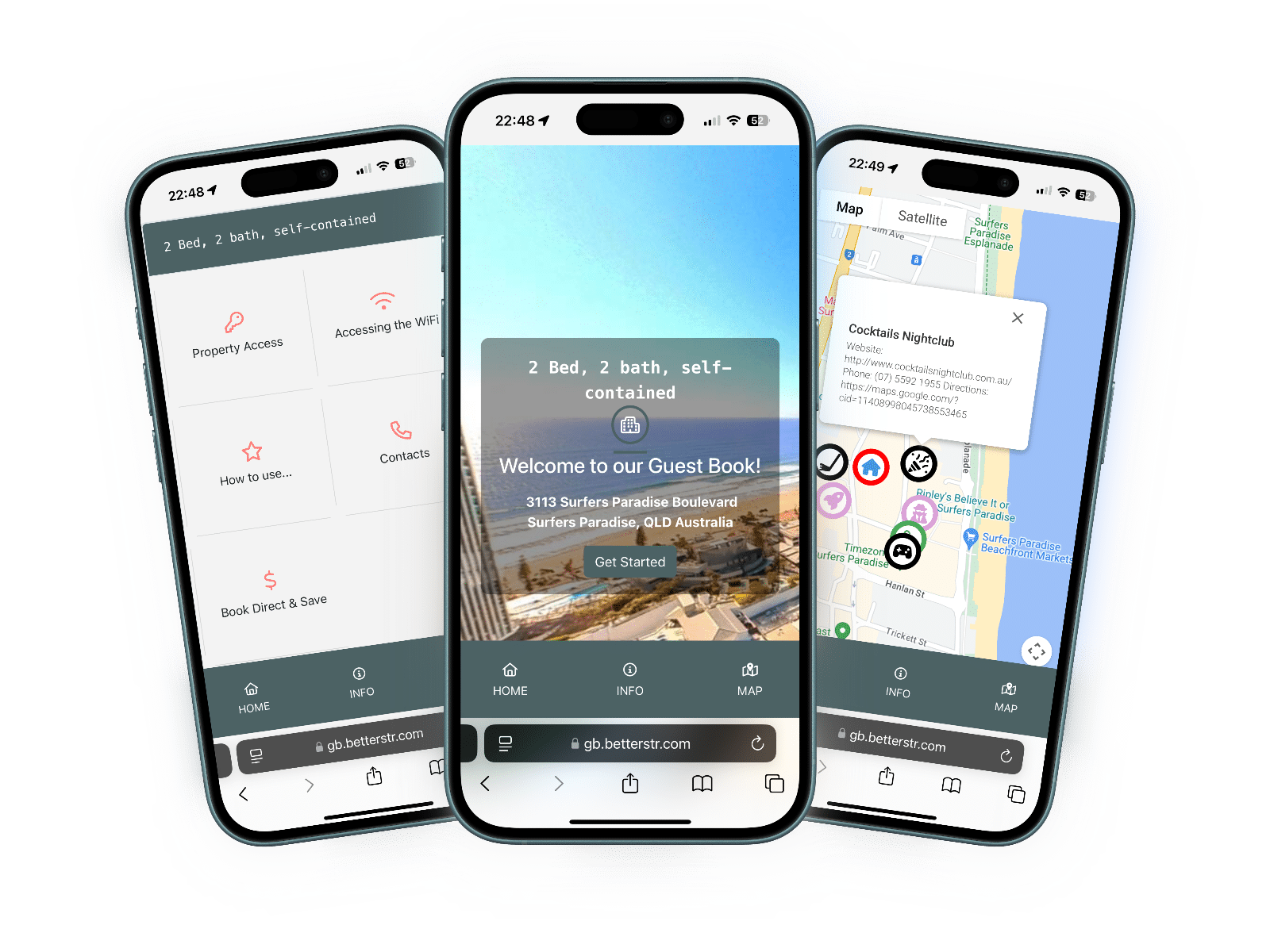
Here is exactly what BetterSTR reads from Preno. Nothing in your bookings is changed. The only thing BetterSTR can add is the guest's guide link in the booking note, and only if you switch that on.
| Item | Synced? | Details |
|---|---|---|
| Rooms | Yes | Each room in Preno becomes its own BetterSTR property, named after the room and your hotel, so each room's TV welcomes its own guest. New rooms start switched off: turn on the rooms that have a TV or need guides. Your hotel also gets one property of its own, for bookings that don't have a room yet. |
| Hotel name, timezone and currency | Yes | Straight from your Preno hotel settings, and re-read every day. |
| Address | Entered once | Preno doesn't share your address, so you enter it when you connect. Every room uses it, and it sets the map, weather and nearby places in your guides. |
| Check-in and check-out times | Entered once | Preno doesn't share your standard times, so you set them when you connect (2pm and 10am unless you change them). You can change them later on the Preno page in BetterSTR. |
| Photos | No | Preno doesn't share photos. Add them once in BetterSTR; syncs won't overwrite them. |
| Reservations | Yes | Every booking, with its dates, adults and children, room, rate plan, the channel it came from (Booking.com, Expedia, Airbnb, direct and others) and the total. A booking for several rooms appears on each of its rooms, each with its own guest and dates. If a guest moves room, they move to the new room's TV. Cancelled bookings come through as cancelled. |
| Guest name, phone and email | Yes | The first named adult on each room, or the booking's contact person when the room has no named guest. The guest's arrival note comes across too. |
| Door codes | No | Preno doesn't share door or key codes. |
| WiFi name and password | No | Preno has no WiFi fields. Enter them once in BetterSTR to power the WiFi QR code. |
| Guide link (written back) | Optional | Off until you switch it on. When it is on, BetterSTR adds a line with the guest's guide link to the note on their Preno booking, one line per room, and keeps the rest of your note. Guests also get the link by email or SMS with your BetterSTR notification rules either way. |
BetterSTR registers a webhook with Preno when you connect, so Preno tells us about new, changed and cancelled bookings straight away. We also double-check Preno every 10 minutes, and re-read your hotel and rooms once a day. You don't need to set anything up for that.
If you need something now, the Preno page in BetterSTR has Sync Properties and Sync Reservations buttons, and Sync History pulls in the last three years.
First ask Preno in the support chat inside Preno to switch on API access (it is part of the Growth Pilot plan). Then open Settings > Integrations > Preno API, create a token for BetterSTR and copy it straight away, as Preno shows it only once. The GUID is shown on the same page.
Yes. BetterSTR reads every booking in Preno, whichever channel it came from, including your own direct bookings.
Not with BetterSTR: the integration is part of the free plan. On the Preno side, API access is part of Preno's Growth Pilot plan.
By email or SMS with your BetterSTR notification rules. You can also switch on an option that adds each guest's guide link to the note on their Preno booking.
Every room in Preno becomes its own property. BetterSTR creates them switched off so you choose: turn on the rooms that have a TV or need a guide, and their bookings sync straight away.
Preno tells BetterSTR about changes straight away, and we double-check every 10 minutes, so most changes appear within that time. To pull it in now, open the Preno page in BetterSTR and click Sync Reservations.
Your Preno API token and GUID, and your next guest has a guide.
Start free See the TV welcome screenNo credit card required. Visit prenohq.com